
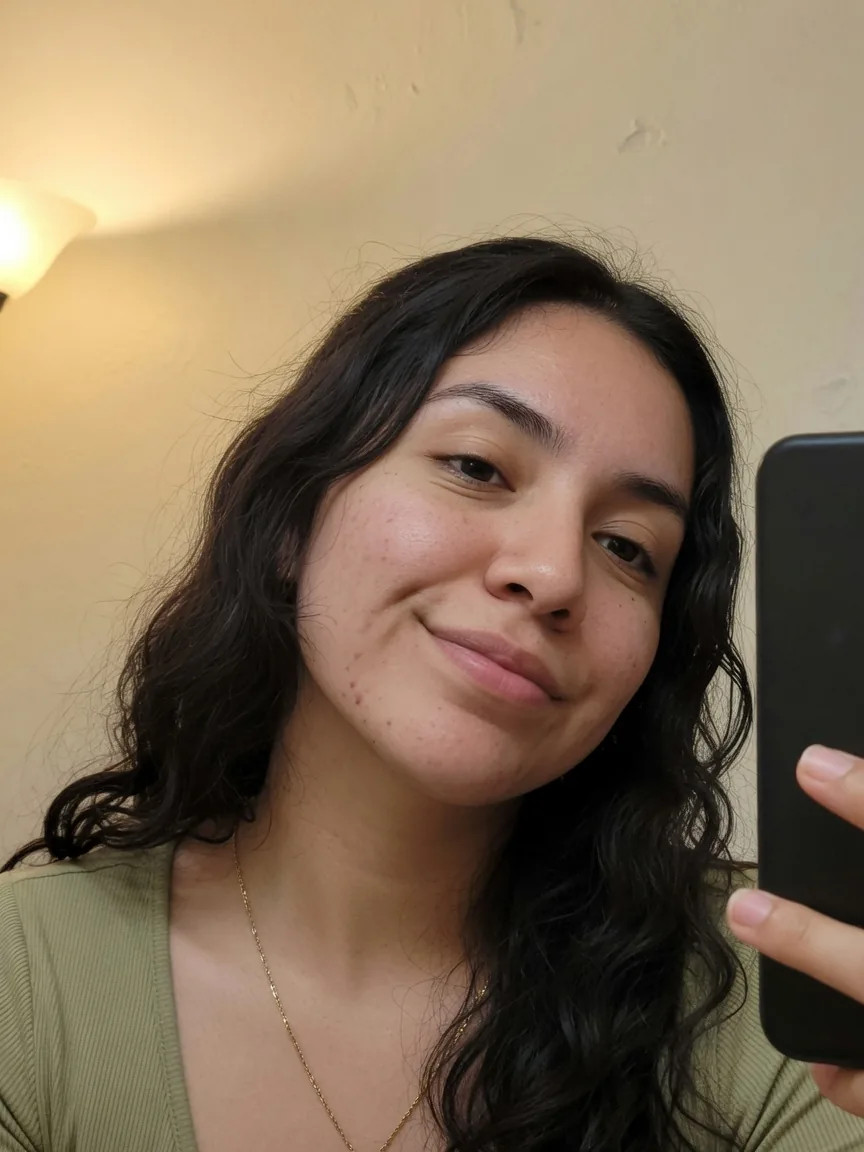
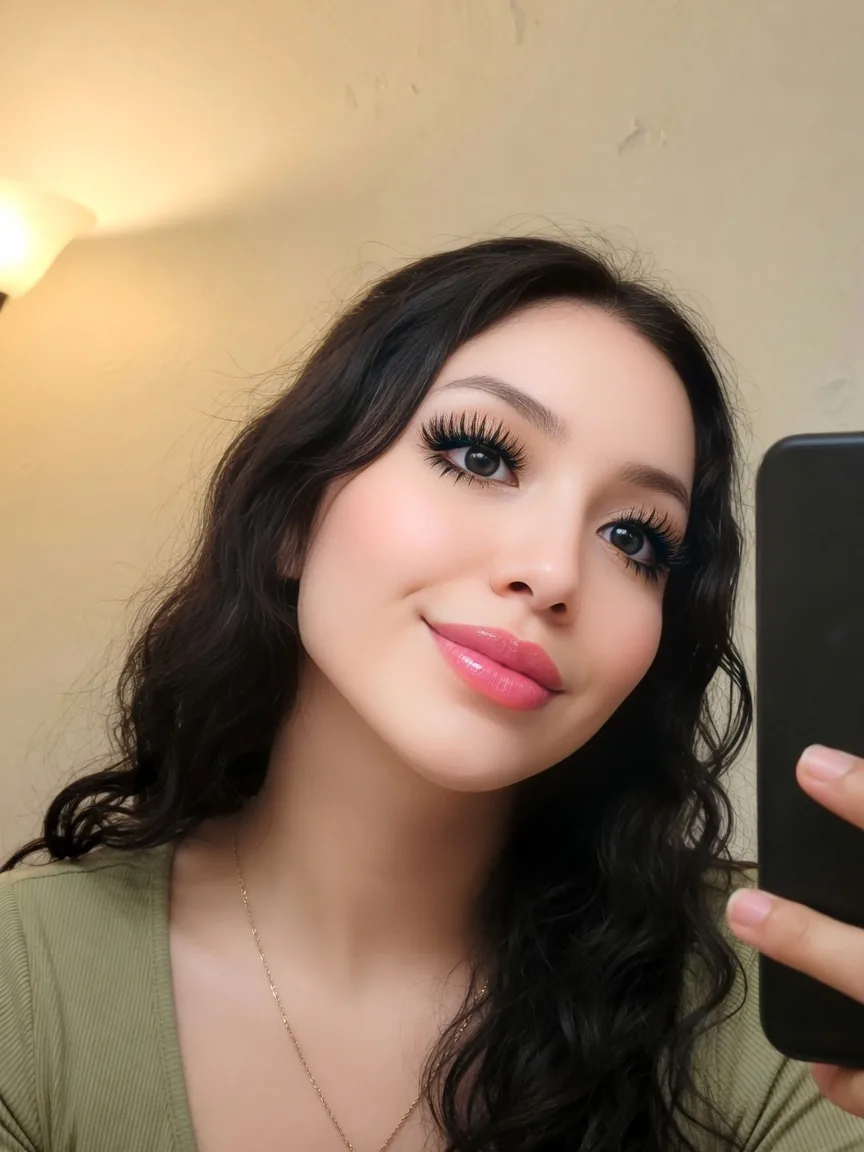
Filtered
RestoredBeauty filter remover
Undo skin smoothing, plastic glow, and heavy makeup filters. Restore pores, texture, and a real complexion.
AI photo filter remover
Filter Remover is the photo filter remover for Instagram, Snapchat, TikTok, beauty smoothing, vintage grades, and sticker overlays. Upload a filtered photo and restore a more natural look.


Drag to compare a filtered photo with the restored result.
Remove filter from photo in a few clicks. Upload a filtered image and restore natural skin, true colors, and unfiltered details.
Result
The restored photo will appear here
Use cases
From AR hats to beauty smoothing, black-and-white colorize, and sticker cleanup — drag each slider to see Filter Remover restore a more natural photo.
Undo skin smoothing, plastic glow, and heavy makeup filters. Restore pores, texture, and a real complexion.
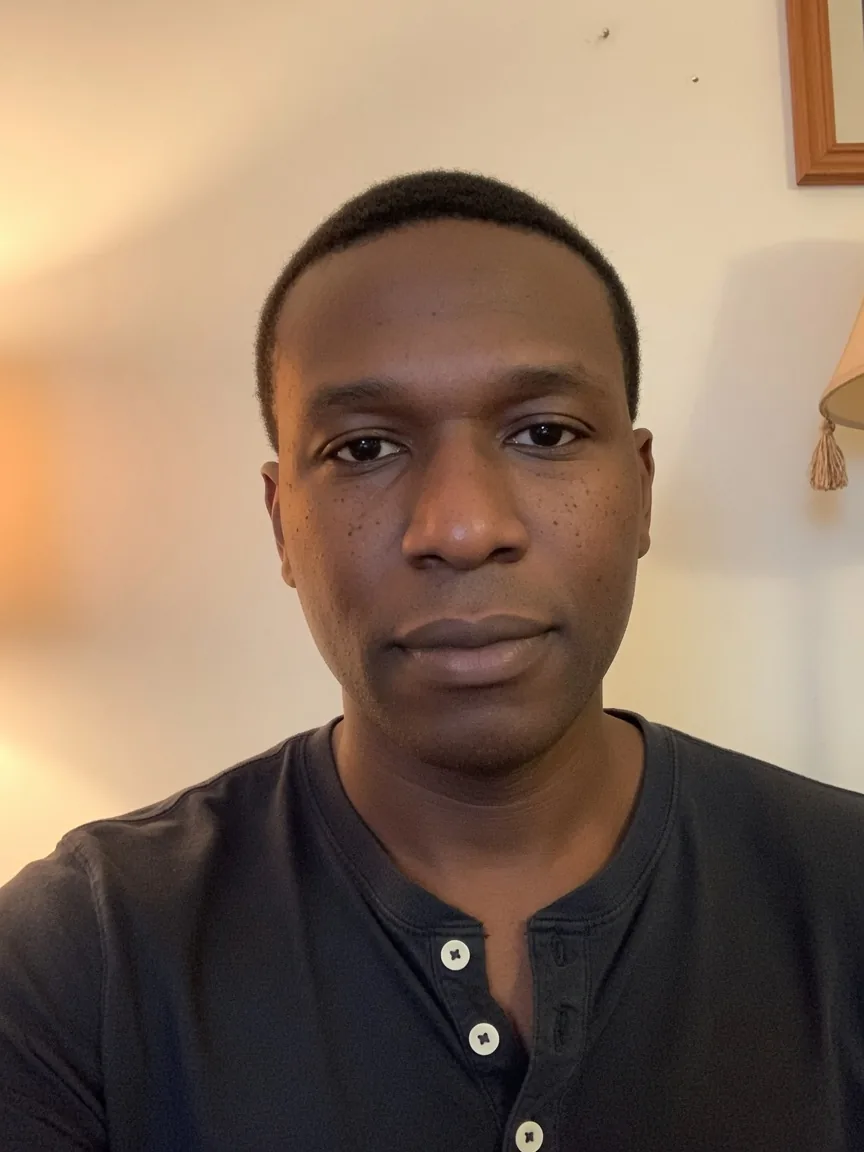

Colorize vintage, sepia, and monochrome photos with realistic tones instead of a fake wash.
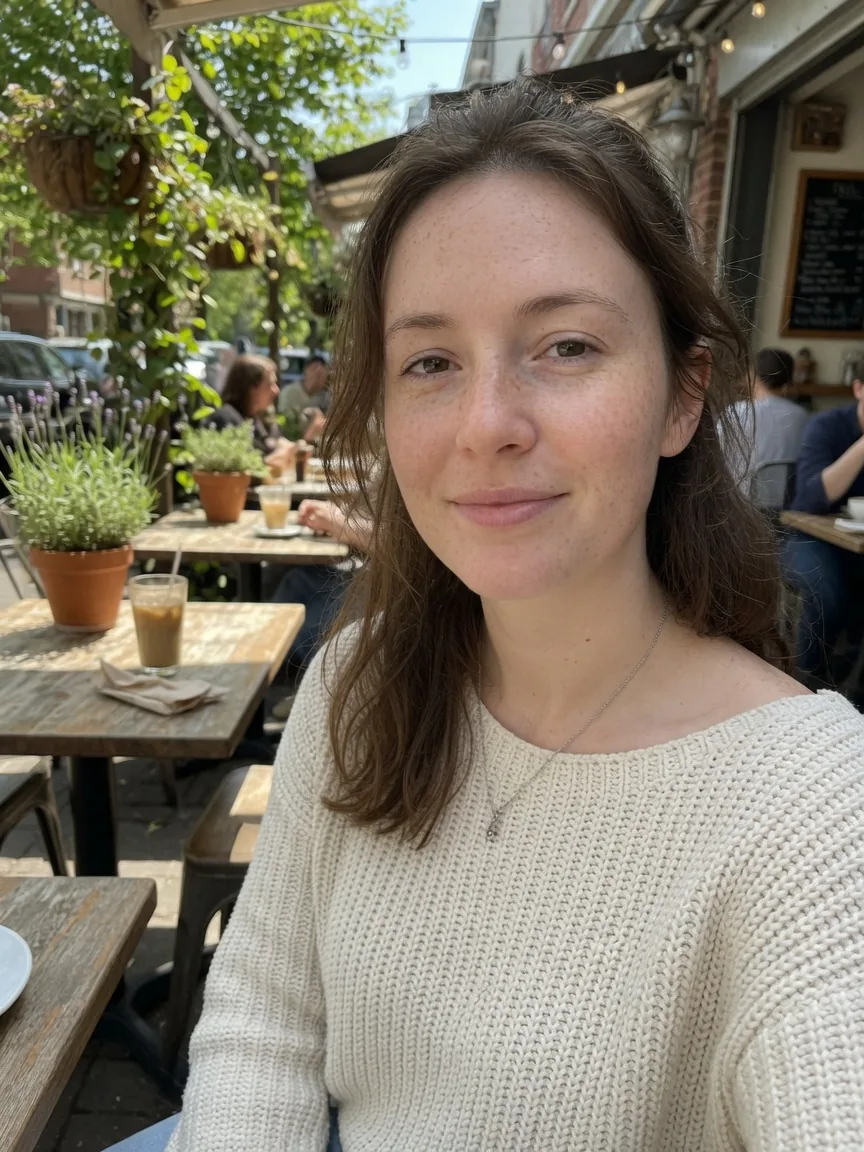
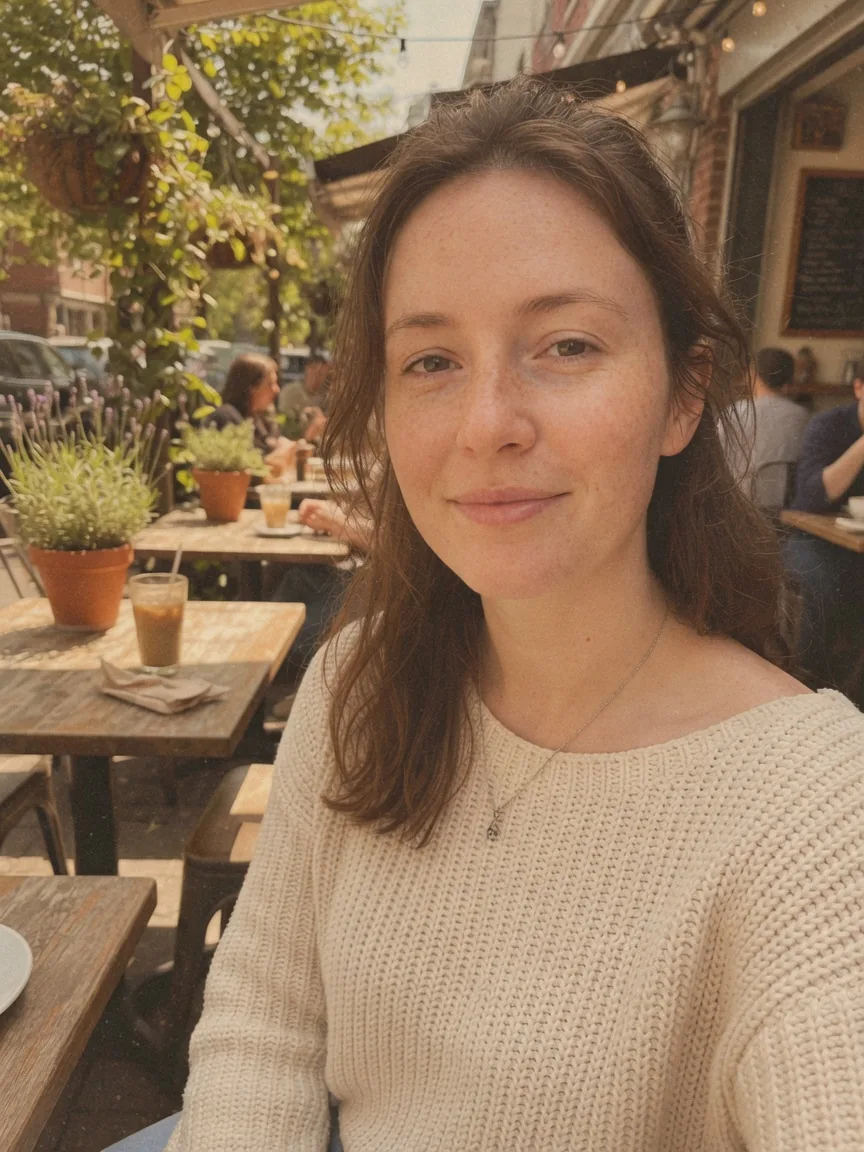
Strip faded Instagram and retro color grades. Bring back daylight, contrast, and honest color.
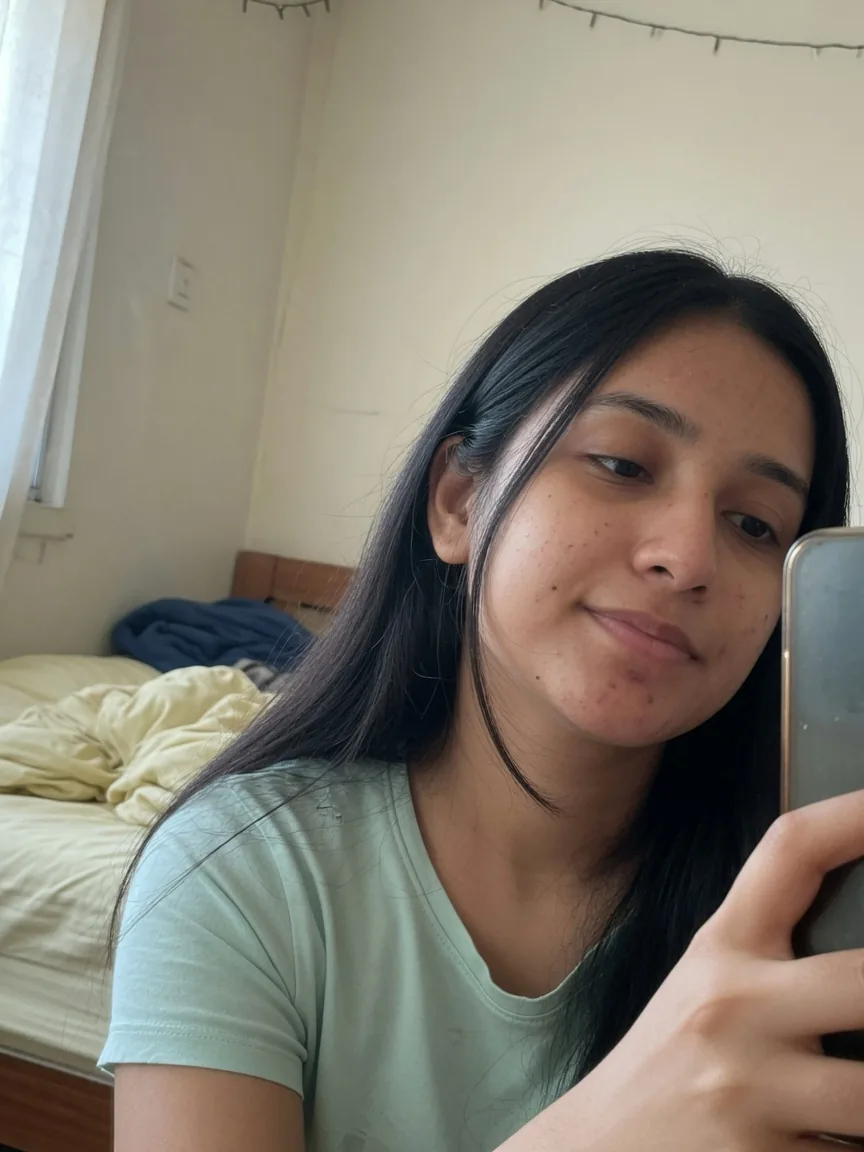
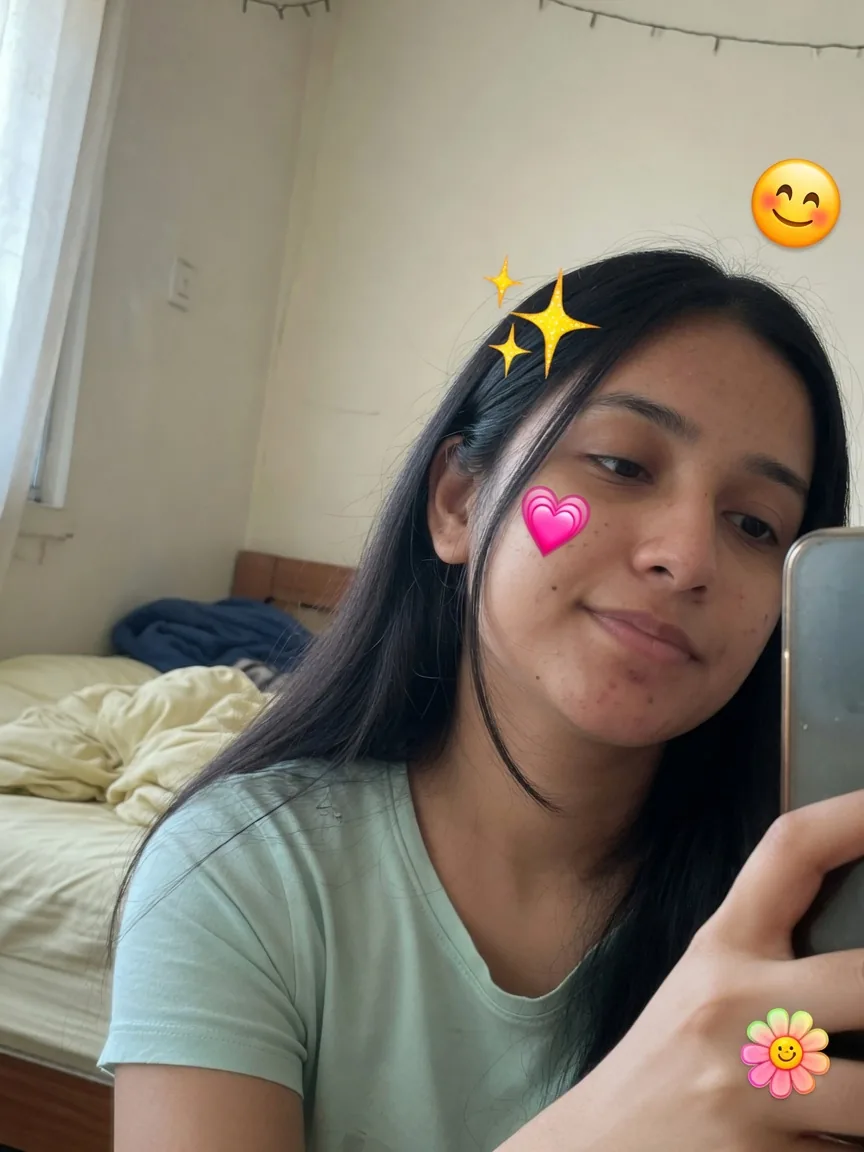
Erase hearts, sparkles, emoji, and text stickers, then fill the photo so the original scene remains.
Why Filter Remover
Most editors add another look. This photo filter remover aims for the opposite: keep identity, recover texture, and undo the grade that was added later.
Upload a filtered photo and let AI reverse color overlays, beauty smoothing, and stylized grades.
Bring back pores, texture, and natural imperfections instead of another plastic retouch.
Restore realistic color to black-and-white, vintage, and sepia photos without inventing a new scene.
Remove emojis, hats, text, and watermarks, then fill the missing area from the surrounding photo.
Keep face identity, pose, and background. The goal is an unfiltered photo, not a new person.
Your upload is processed to restore the photo. Review the privacy policy for how files are handled.
How it works
No desktop editor. Upload the filtered photo, let the AI filter remover reconstruct a natural version, then download.
Drop a selfie, portrait, or old social post. JPG, PNG, and WebP all work for this photo filter remover.
Choose one-tap restore, beauty cleanup, colorize, or sticker removal. The model keeps composition and identity.
Preview the before/after slider, refine once more if needed, then save the unfiltered result.
Before & after
Drag each slider to compare the filtered original with the restored photo. These cases cover AR overlays, beauty filters, sepia, vintage grades, stickers, and cinematic color.
Remove playful Snapchat-style hats, mustaches, and face overlays while keeping the original portrait.
Undo skin smoothing, plastic glow, and heavy makeup filters. Restore pores, texture, and a real complexion.
Colorize vintage, sepia, and monochrome photos with realistic tones instead of a fake wash.
Strip faded Instagram and retro color grades. Bring back daylight, contrast, and honest color.
Erase hearts, sparkles, emoji, and text stickers, then fill the photo so the original scene remains.
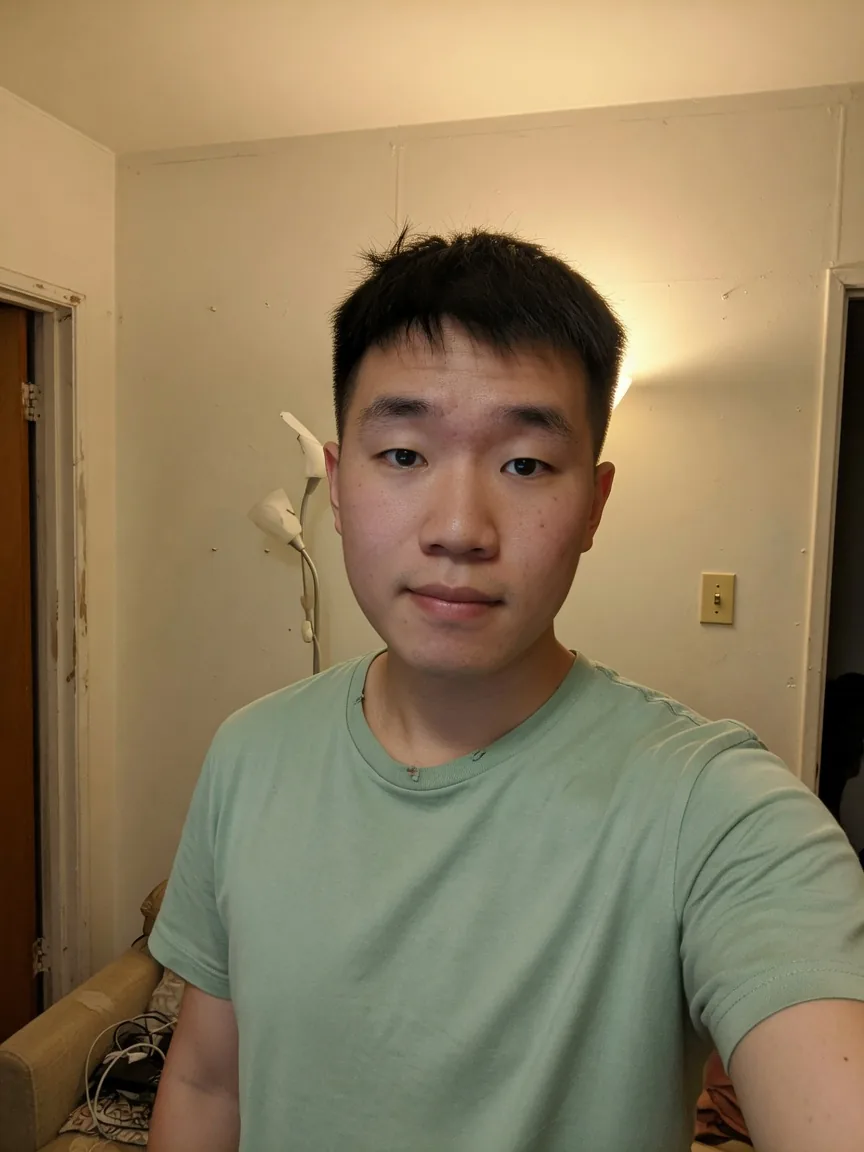
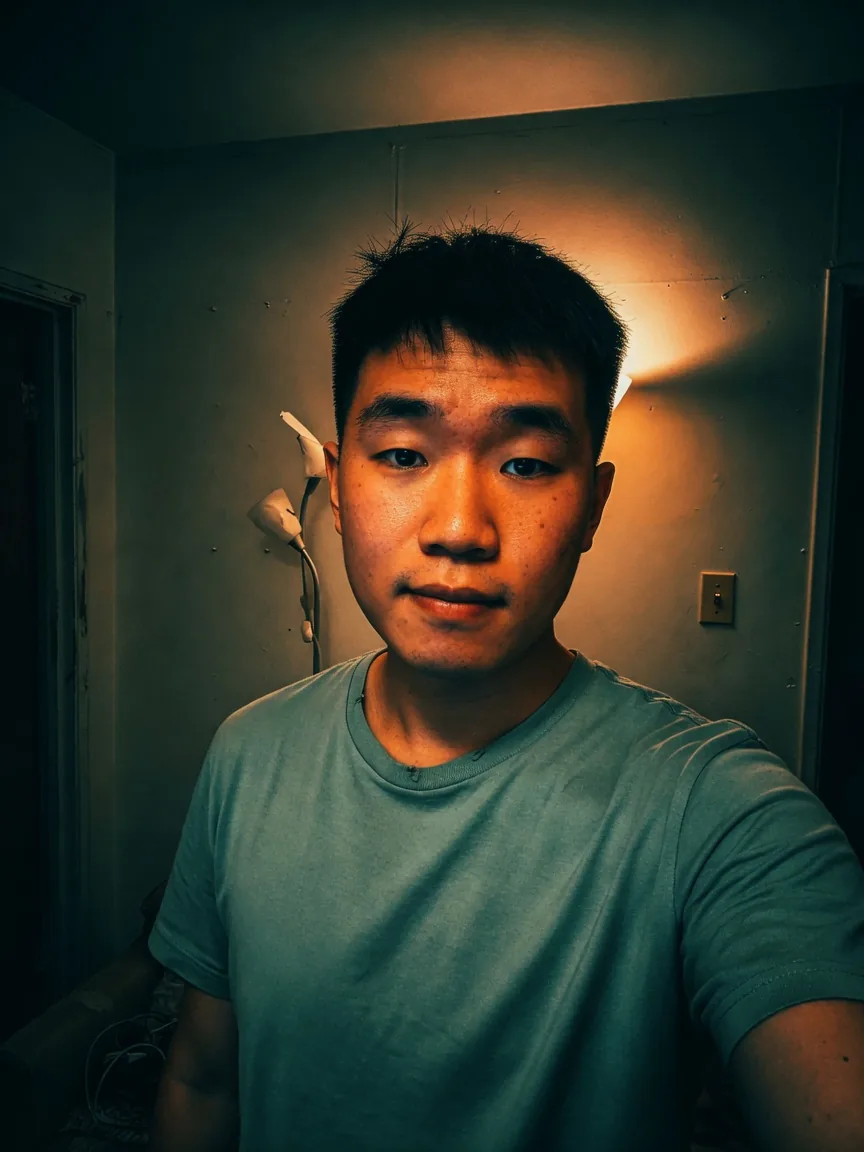
Remove teal-and-orange movie grades and crushed contrast. Restore ordinary indoor light.
Every plan unlocks the same Filter Remover. Yearly billing cuts the list price by up to 25% and lowers the cost per restore.
Same Basic plan, billed yearly at the lowest Basic rate.
Includes
Best balance of yearly volume and price per restore.
Includes
Maximum yearly volume at the lowest price per restore.
Includes
Straight answers about this AI filter remover, how to remove filter from photo, credits, and what the model can restore.
Start with this AI filter remover and restore a more natural photo in the browser.